Hack your House Tinkering Workshop in Spatial Chat
Last weekend I got the chance to test out another online tinkering workshop with the playful theme of Hack Your House using the SpatialChat platform. I’ve found SpatialChat to be a more flexible virtual tool that allows participants and facilitators to move around a digital space, have more dynamic conversations and interact more naturally. For the workshop I partnered with Maker Parties lead educator Emma Callow to curate a set of open-ended low threshold activities and drew on the deep experience of Josh Gutwill and Sue Allen of the Clean Conferencing Institute to develop and reflect best practices for online tinkering.

We built on previous experiments in spatial chat and wanted to experiment with a few things that we didn’t feel satisfied with in the past iterations of the idea.
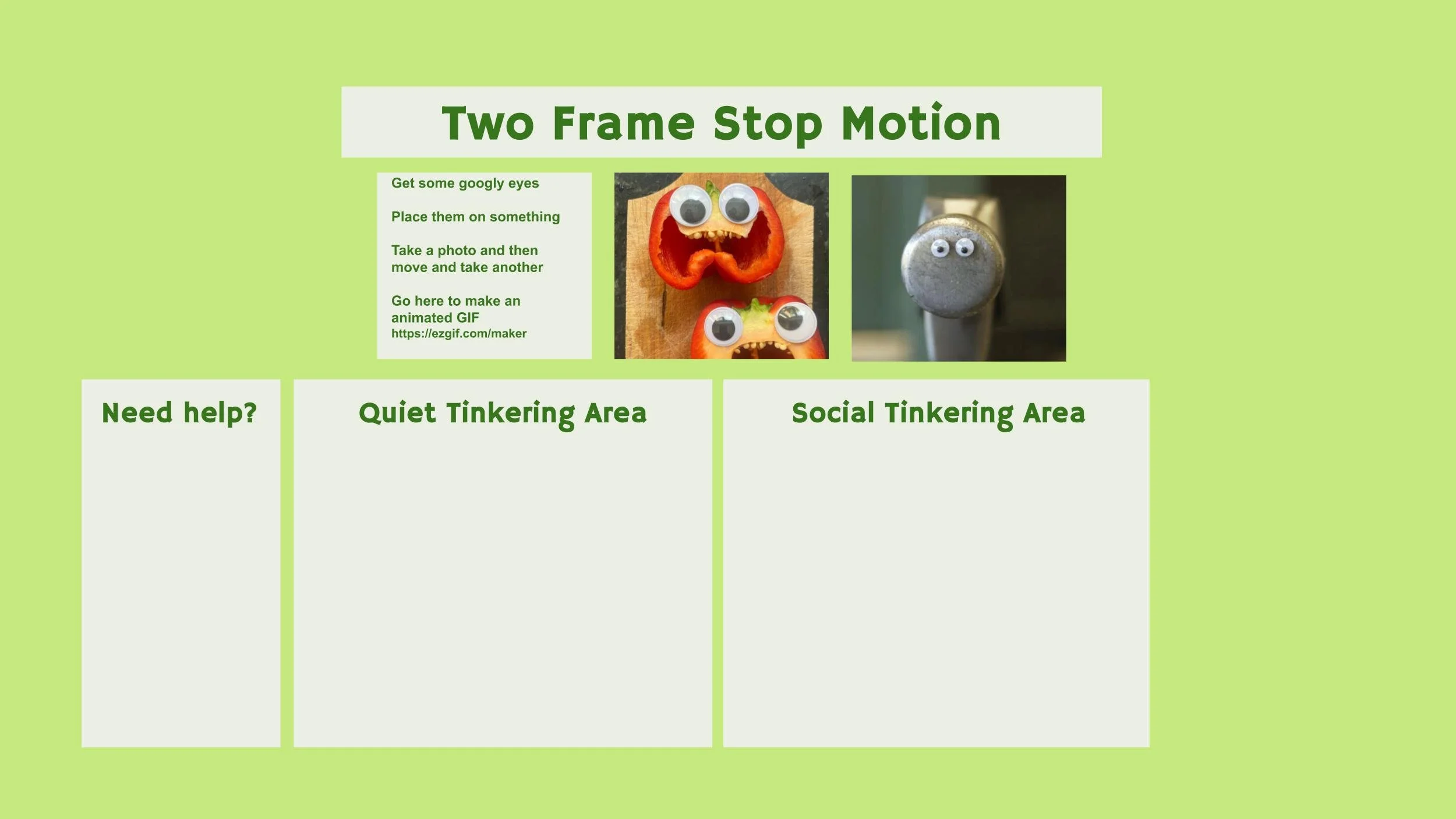
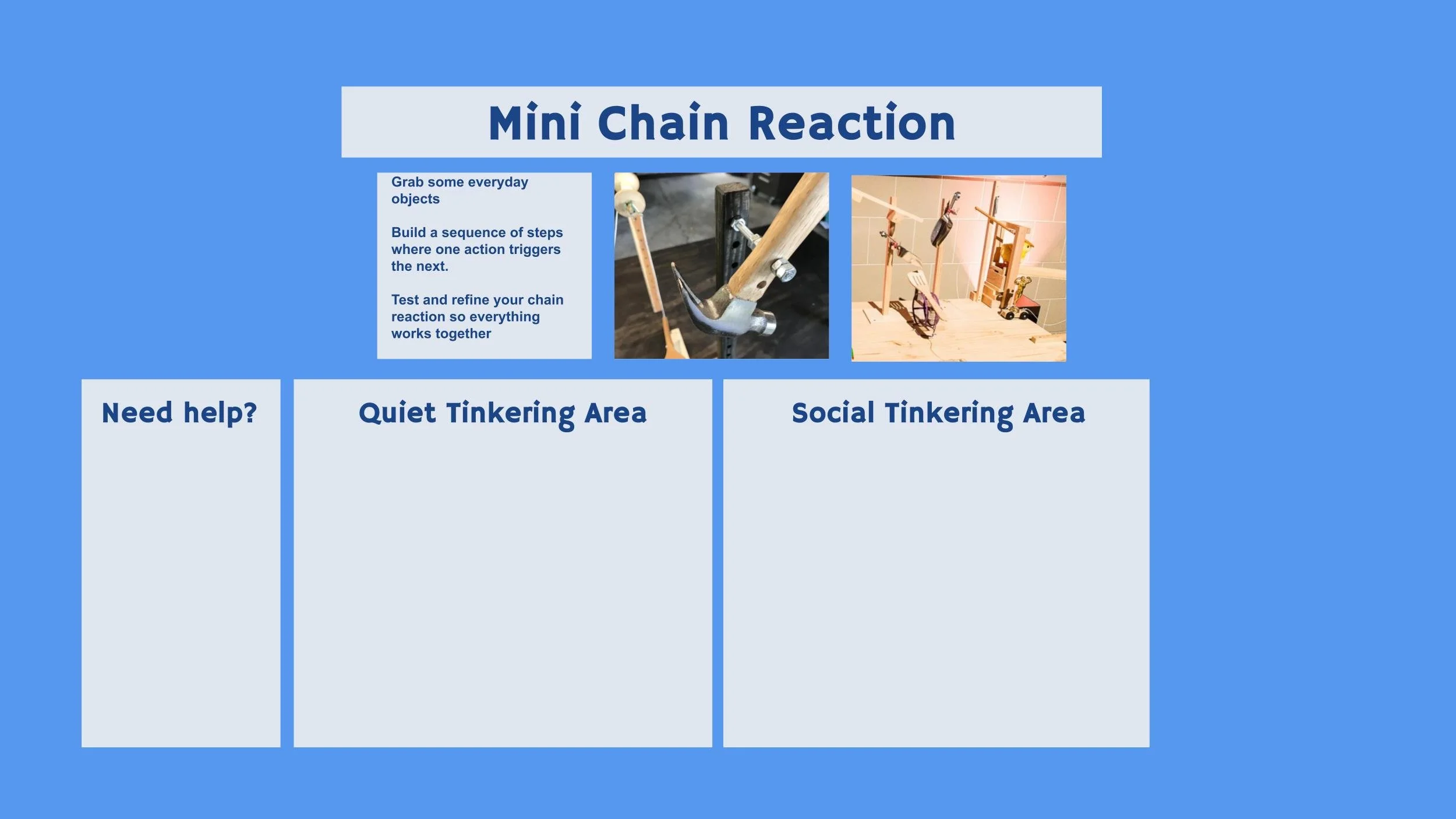
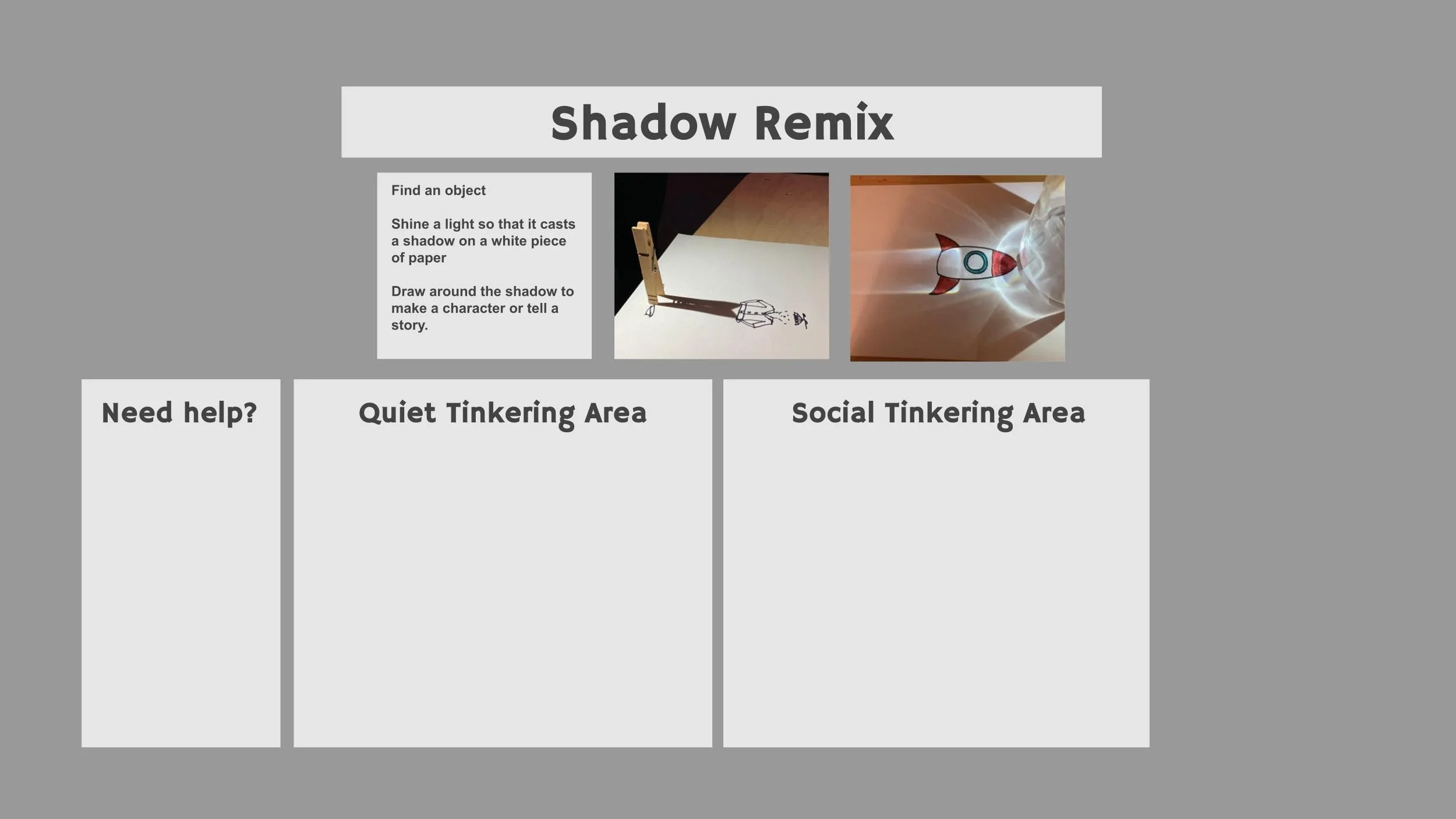
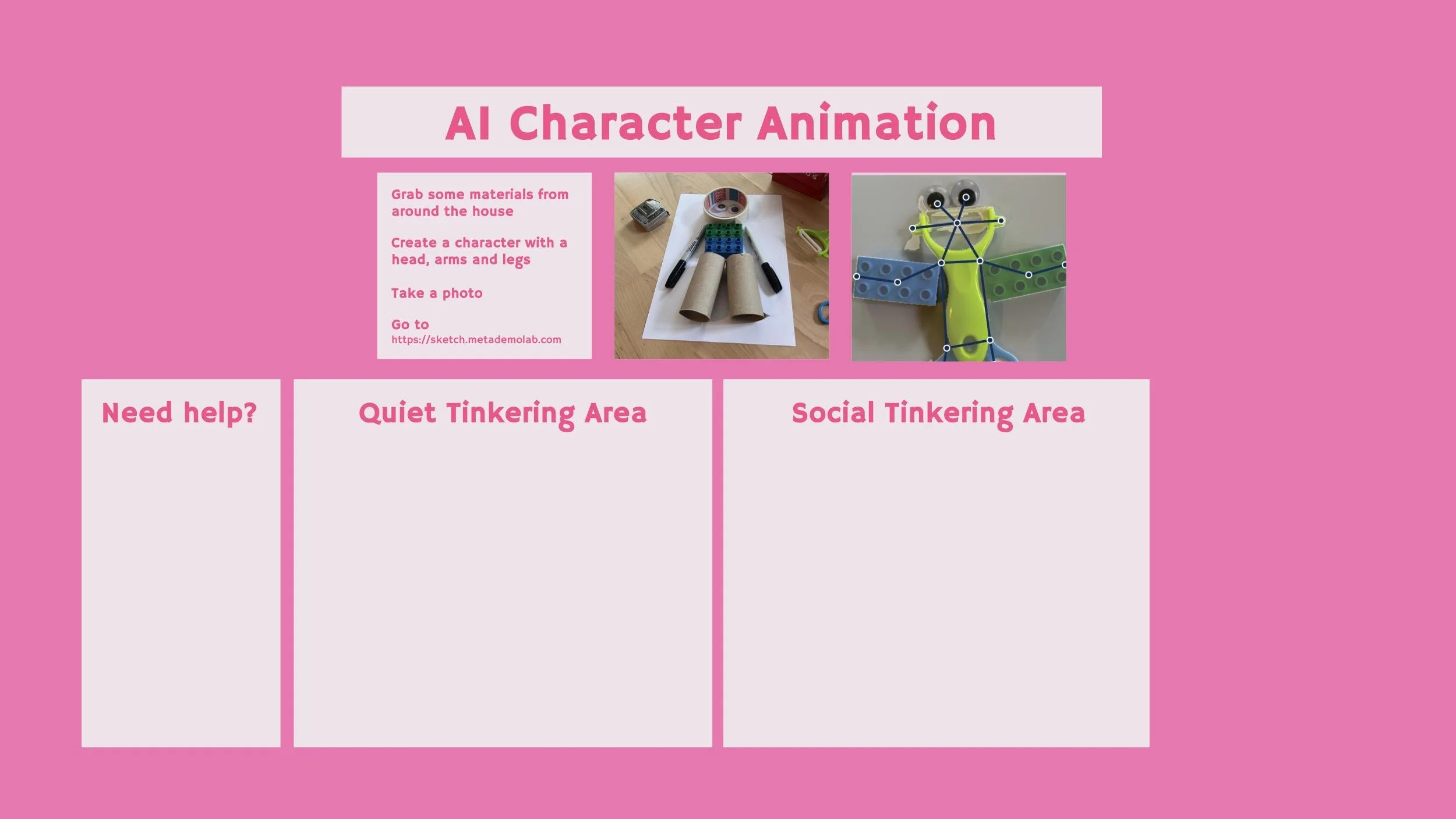
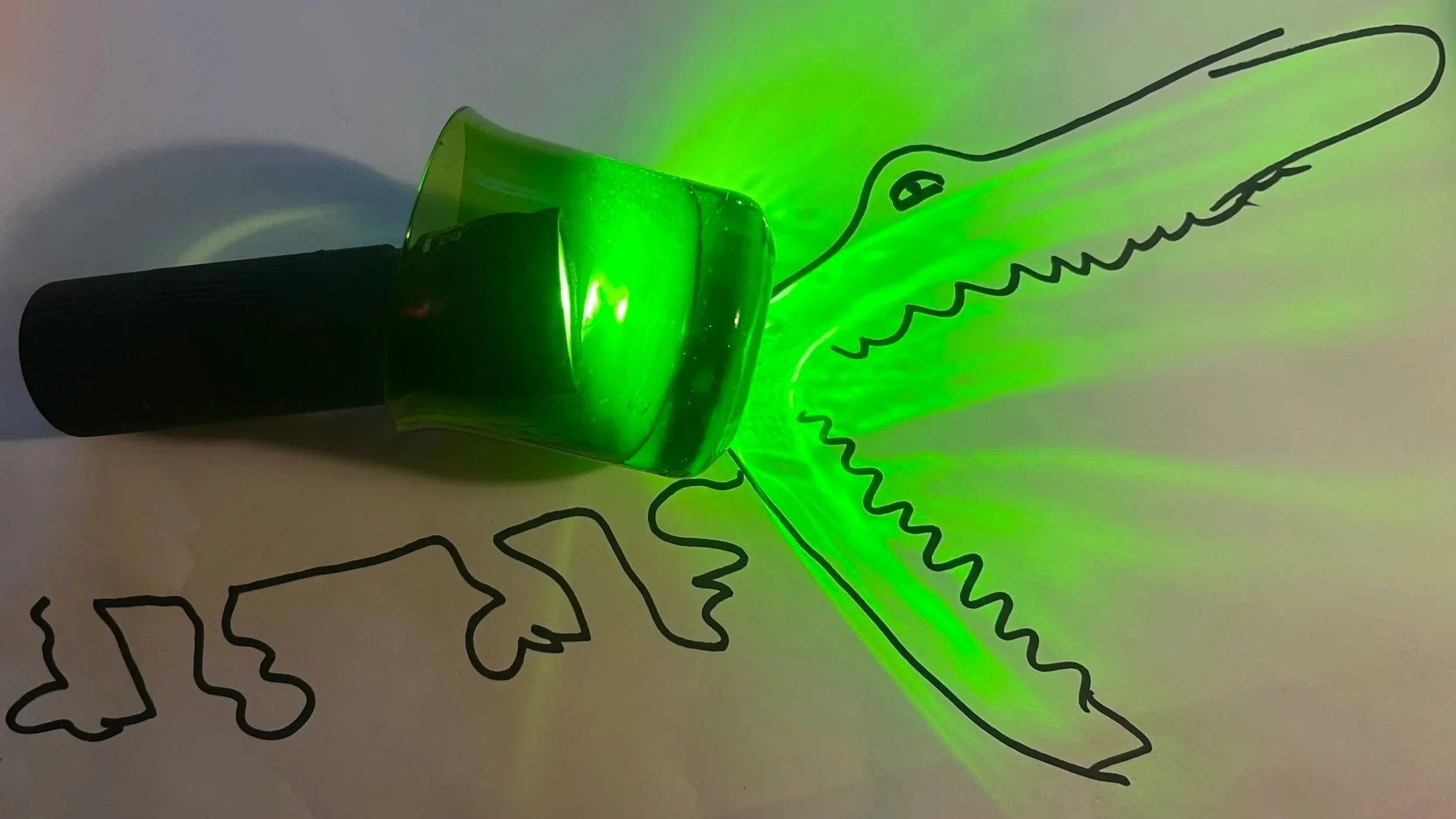
First off, we wanted to try out using multiple rooms for each of the activities. These spaces are a bit like zoom breakout groups but it’s easier to hop around and move in and out of the environments. We had four prompts that we tried (stop-motion, AI characters, shadow remix and chain reaction) and for each one we had a couple ‘getting started’ tips, some photos of examples and then a quiet tinkering space, a social tinkering space and a place to go to get help.
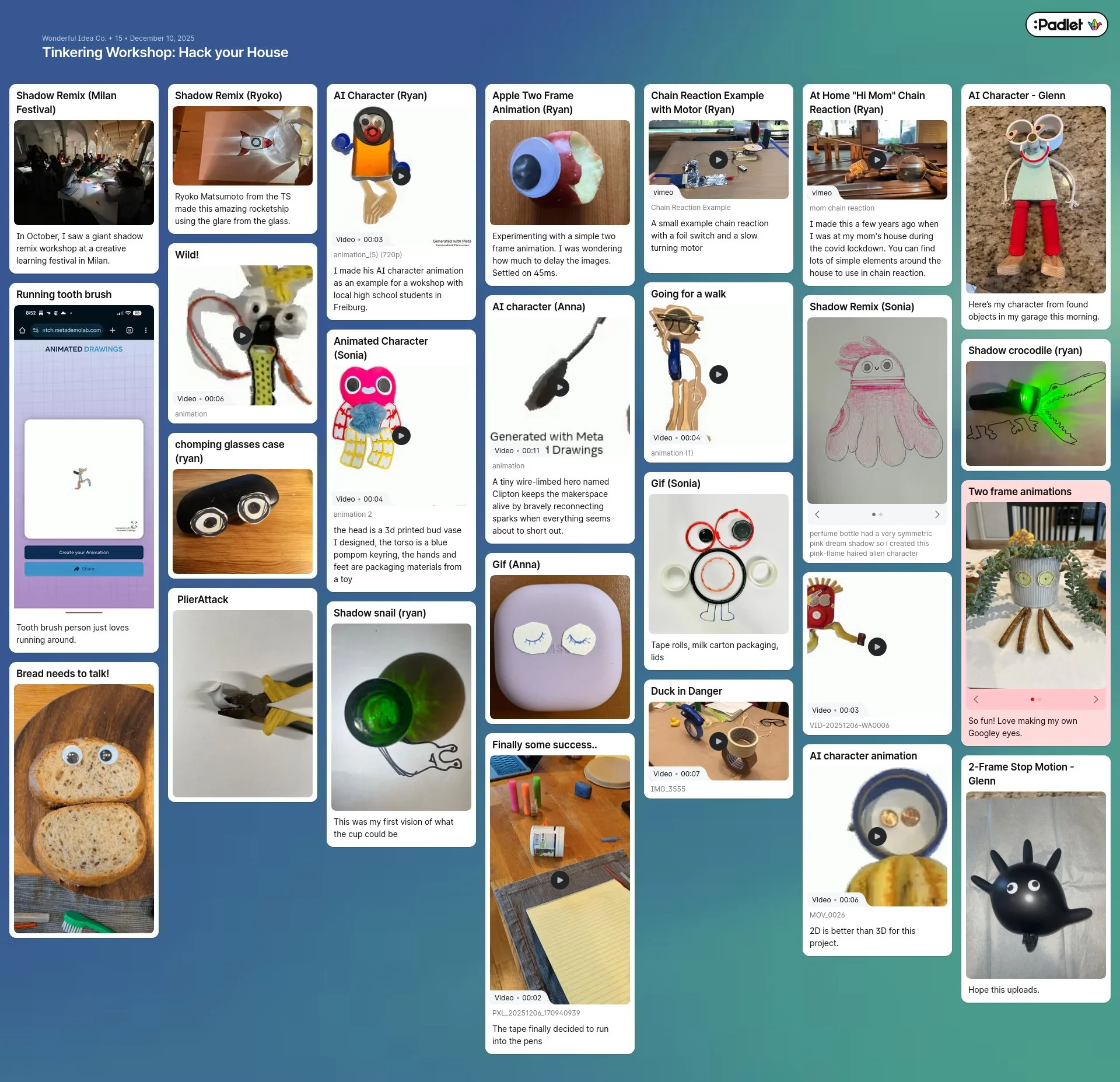
A few comments that the participants had in the previous workshops centered around ease of sharing projects with the other participants. One disadvantage of spatial chat is that the videos of participants can be pretty small so it’s sometimes hard to see what people are working on in real time. To address this challenge we built a gallery room and embedded the padlet into the background so that participants could see and reflect on what everyone was making. One idea that we might want to try next time is adding the padlet page directly into the project page so that it’s more clear.

One issue that I would like to think about more is the mix of physical and digital activities in the workshop. We tried a couple of projects this time like making a two-frame animation and playing with AI characters that had a web based component. On one hand I think this makes a lot of sense for an online workshop as we are leaning into the fact that we’re all already at computers and can easily share the digital output. While building with physical materials also introduces complications, I did feel it was a bit much to have the participants have to navigate spatial chat, padlet and another digital tool like ezgif.com. I’d like to keep experimenting to figure out which activities, prompts and preparations work best in these more immersive digital environments.

I think once again, based on the reflections of the group and our debrief conversation among the workshop leaders that there’s so much potential for SpatialChat and other similar platforms for online tinkering experiences. There’s a bit of a learning curve for everyone but I’m confident that over time it would become more natural and open up so many more chances for just-in-time facilitation, cross-pollination of ideas and social scaffolding in the activities. I think that the next step might be to try to develop a workshop or community of practice meetup that takes place over multiple sessions so that the learners and facilitators can build on the experience week by week. In the coming months I’ll be looking for ways to support that effort and clearer strategies for developing long term explorations. If you want to be involved or have ideas for how to go deeper please drop me a line.